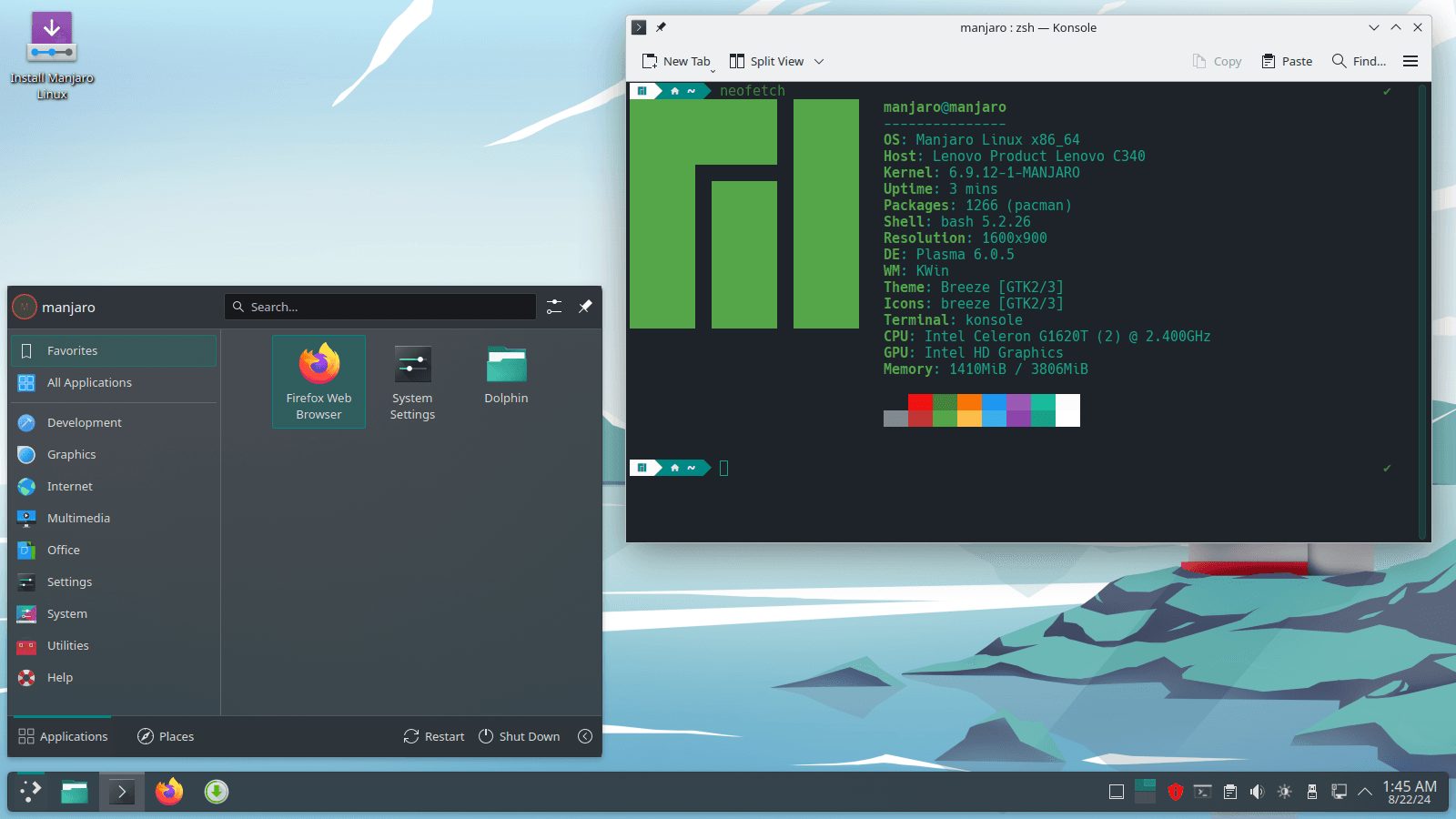
There is a specific joy in customizing your tools. While macOS is polished and Windows has WSL, running a native Linux kernel offers a level of control that helps me understand how servers actually work. My daily driver is Manjaro Linux, an Arch-based distribution.
Why Manjaro?
Arch Linux is famous for being difficult to install, but it offers the "Rolling Release" model—meaning you always have the absolute latest software. Manjaro gives me that "bleeding edge" software but with a stable, user-friendly installer.
My Terminal Setup
A developer lives in the terminal. Here is my setup for maximum productivity:
Shell: ZSH (Z Shell)
I use the Oh My Zsh framework with the Powerlevel10k theme. It shows me my Git branch, Node version, and execution time right in the prompt.
Package Manager: Pacman & Yay
Installing tools is instant.
# Installing VS Code, Node, and Docker in one line
sudo pacman -S code nodejs docker
Tiling Window Manager (Optional)
I occasionally use i3wm. It arranges windows in tiles automatically, so I never have to drag or resize windows with a mouse. This keeps my hands on the keyboard and speeds up my workflow.
The "Server Parity" Advantage
Since most web servers run on Linux (Ubuntu/Debian/CentOS), developing on Linux means I encounter environment bugs locally before they hit production. File permissions, case-sensitive paths, and Docker networking behave exactly as they will on the server.
Conclusion
Switching to Linux wasn't just about looking cool; it was about removing the friction between "coding" and "deploying." If you are a developer looking to improve your DevOps skills, I highly recommend dual-booting a Linux distro this weekend.